
Excel TV blog
Page 7 of 11
 Excel Functions & Formulas
Excel Approximate Match
 Excel Tips & Tricks
Excel App Android
 Excel Functions & Formulas
Excel Append Text: Add Prefixes and Suffixes
 Excel Power Query & Data Cleaning
Excel and Python: Unleashing Financial Analytics Synergy
 Excel Tips & Tricks
Excel and Word: Integration and Reporting Guide
 Excel Functions & Formulas
Excel Alternate Row Color Based on Group
 Excel Power BI, Dashboards & Reports
Excel AI Plugin
 Excel Power BI, Dashboards & Reports
Excel AI Analysis
 Excel Functions & Formulas
Excel Absolute Value Function
 Excel Functions & Formulas
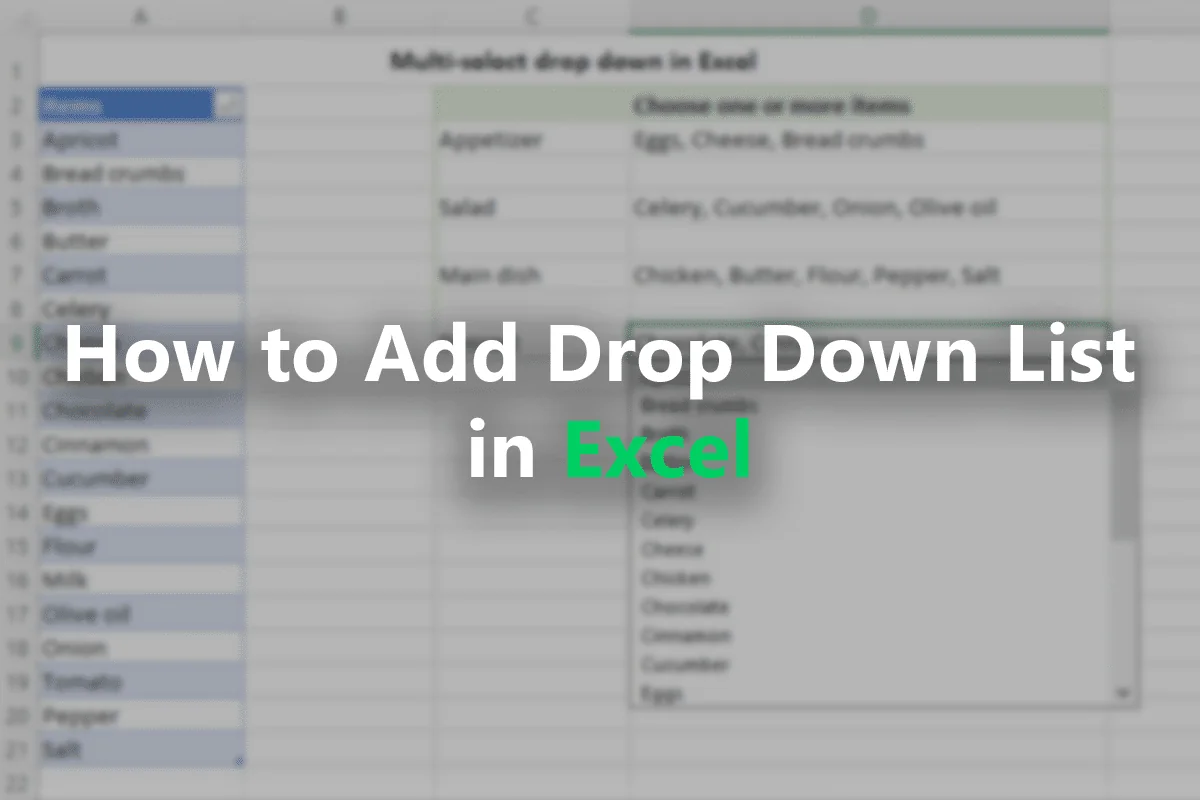
How to Add Drop Down List in Excel: A Quick Guide
 Excel VBA & Macros
Excel VBA Else If
 Excel Tips & Tricks
Is Google Sheets the Same as Excel? Key Differences
 Excel VBA & Macros
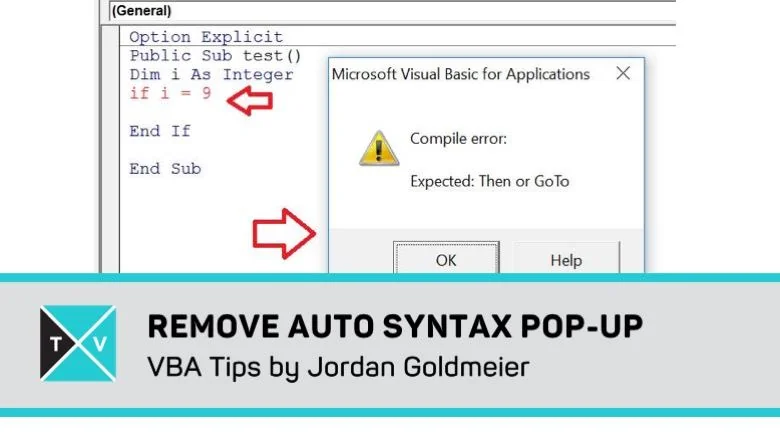
Excel VBA: Disable the Auto Syntax Popup
- Excel VBA & Macros
Turn Off Excel Background Error Checking via VBA
 Excel Functions & Formulas
Data Parsing in Excel Using LEN and SUBSTITUTE function
 Excel Tips & Tricks
How To Add "Change Case" to the Excel Ribbon
 Excel Tips & Tricks
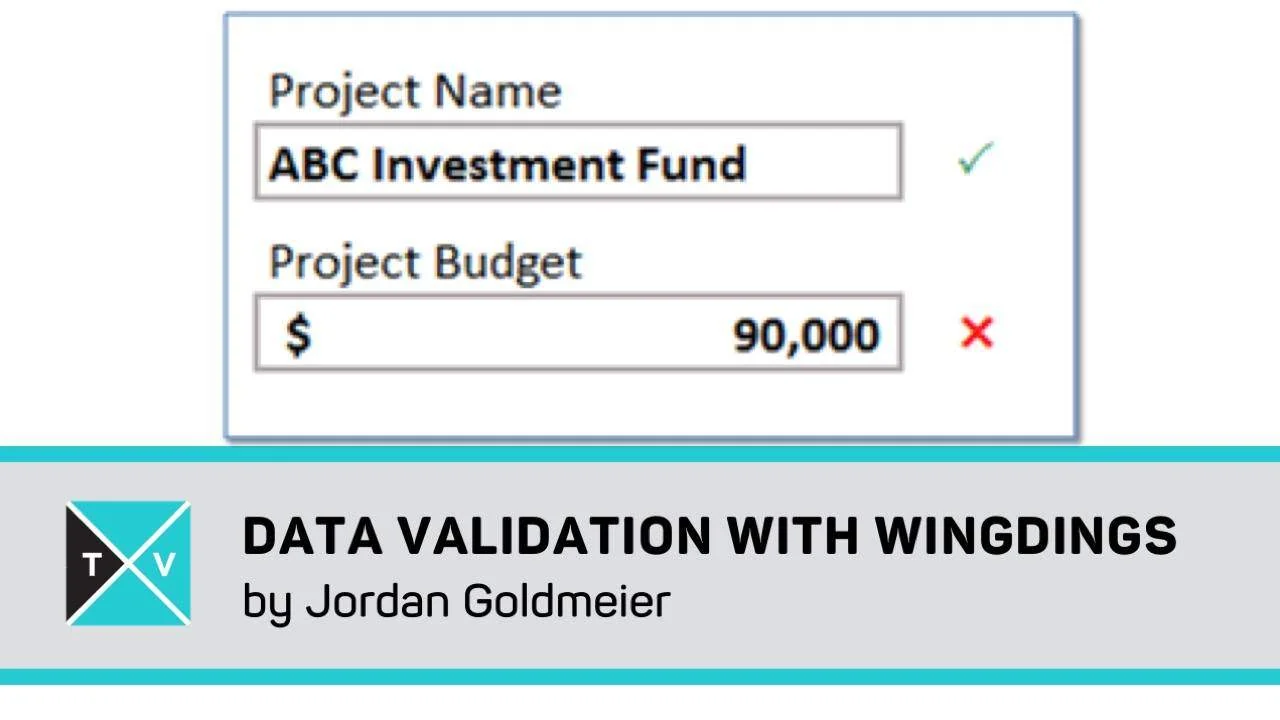
Custom Data Validation in Excel with Wingdings
 Excel Tips & Tricks
Monte Carlo Simulation in Excel: Tutorial
 Excel Tips & Tricks
Excel Option Button Controls
 Excel Tips & Tricks
How to Color Code in Excel
 Excel Tips & Tricks
Create a Bitmap Image from Within Microsoft Excel
 Excel Tips & Tricks
Q&A with Mr Excel – Bill Jelen Answers Questions
 Excel Templates
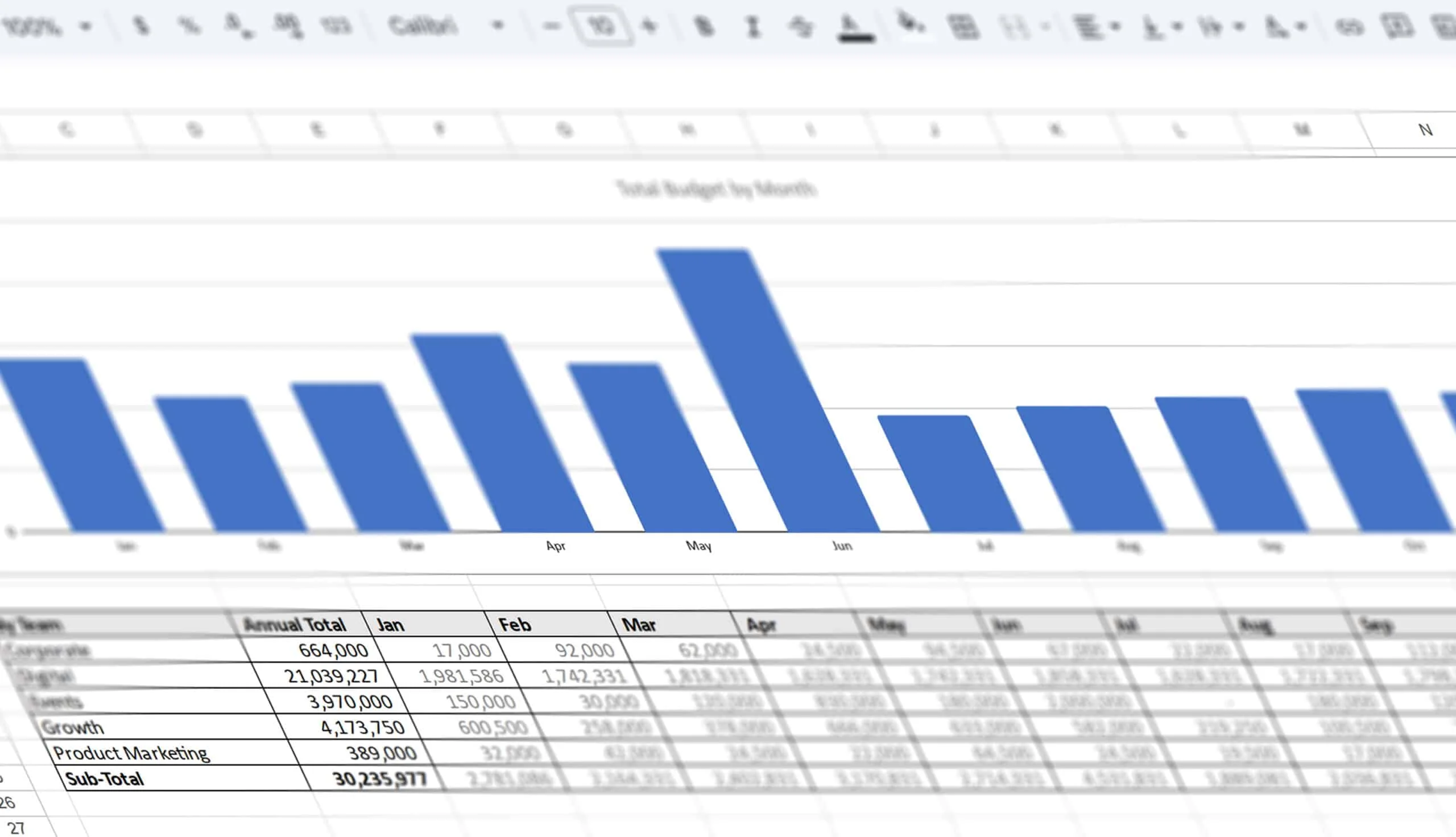
B2B Marketing Budget Allocation Template
 Excel Power BI, Dashboards & Reports
How to Sort Multiple Columns/Table with Excel VBA