
Excel TV

Conditional Formatting to Clean Your Spreadsheet – Excel Tips

Updated
Conditional Formatting to Clean Your Spreadsheet – Excel Tips

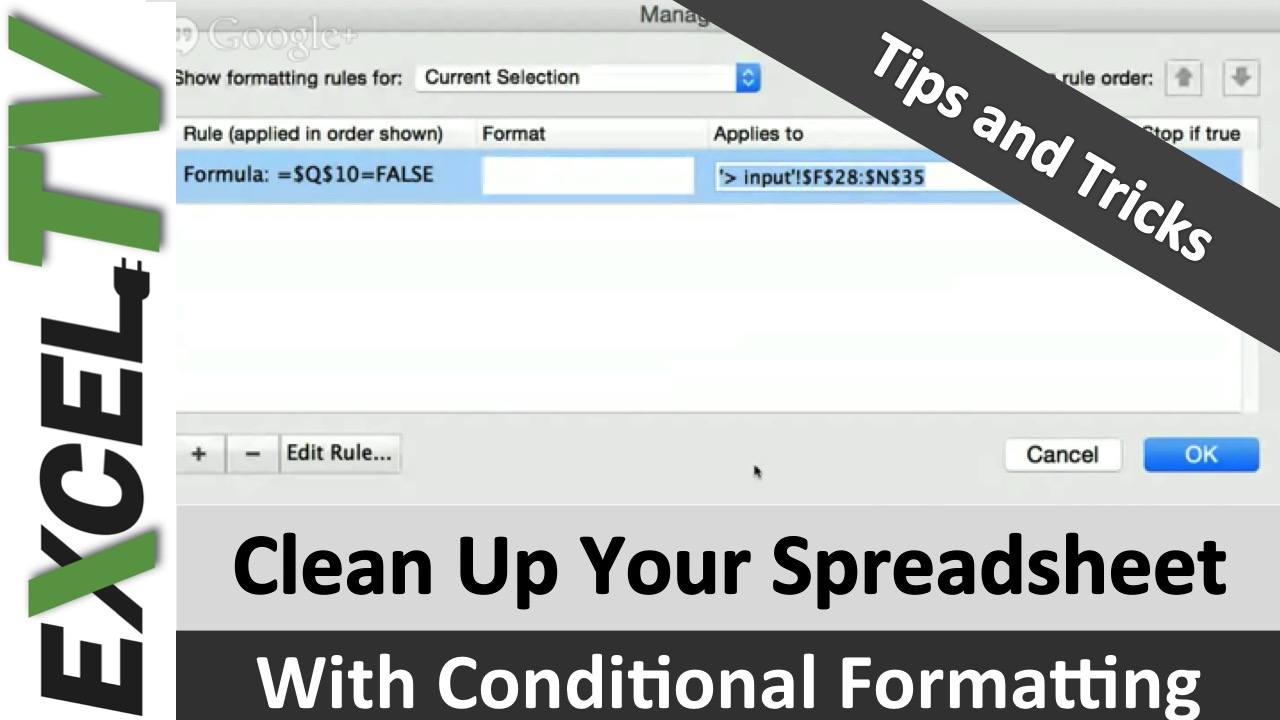
Nick Green of http://EchoXL.com shows you how he uses conditional formatting to create a clean looking worksheet for his users.

What He Does

Nick uses toggle buttons to select different features on his graphs.  As the toggle buttons are selected, text that is no longer relevant seems to disappear from the spreadsheet.  Nich uses Conditional formatting so that as the toggle is selected, the text color is changed to white.  Tis causes it to blend with the background.

This is a good tip to create a clean environment for your end-user.

What’s Next?

Leave a message or question for Nick in the comments section below.  Also hit one of the social sharing buttons to share this with the world.

Rick Grantham
Rick Grantham, a Six Sigma Black Belt and co-founder of Excel.TV in 2014, is currently serving as the Business Intelligence Product Manager at VENUS Fashion Inc. since March 2023. He has extensive experience in data analytics, strategic thinking, and team building, having held various leadership roles in renowned companies, such as Vice President of VantagePoint Business Solutions and Senior Director of Business Intelligence Solutions at EPI-USE. With a strong background in creating data-driven solutions and improving business processes, Rick has consistently demonstrated success in delivering exceptional results and boosting revenue throughout his career.